

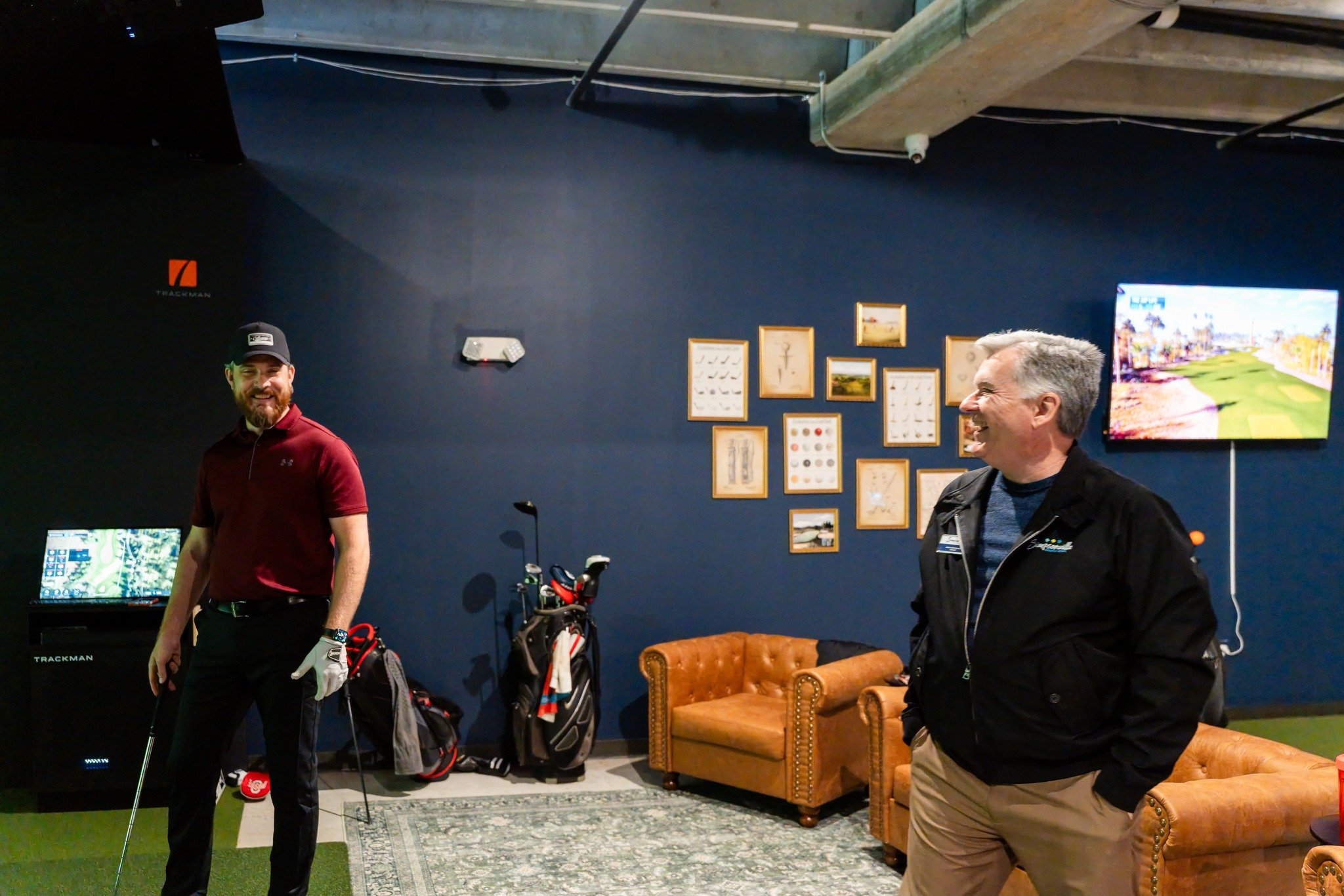
The Experience
Getting started is easy. When you arrive, simply enter the facility using your access code and log into your TrackMan account
How It Works
-
1. Book Your Bay
Choose your preferred date, time, and bay online. -
2. Receive Access Code
Your confirmation email includes everything you need to access the facility and your simulator bay. -
3. Play Your Way
Practice on the range, play world-famous courses, or enjoy interactive games with friends and family.
State of the art software
Experience the same industry-leading technology trusted by professional golfers, instructors, and top training facilities around the world.
Download the Trackman App for the best experience.
✓ Track your stats
✓ Save rounds and practice sessions
✓ Join competitions
✓ Access your performance history


Games for Every Skill Level
Whether you're a seasoned golfer or picking up a club for the first time, Local Fairway offers interactive games, virtual courses, and practice modes designed for all ages and abilities.
Challenge friends to longest drive competitions, play world-famous courses, sharpen your swing with TrackMan technology, or simply enjoy a fun night out.
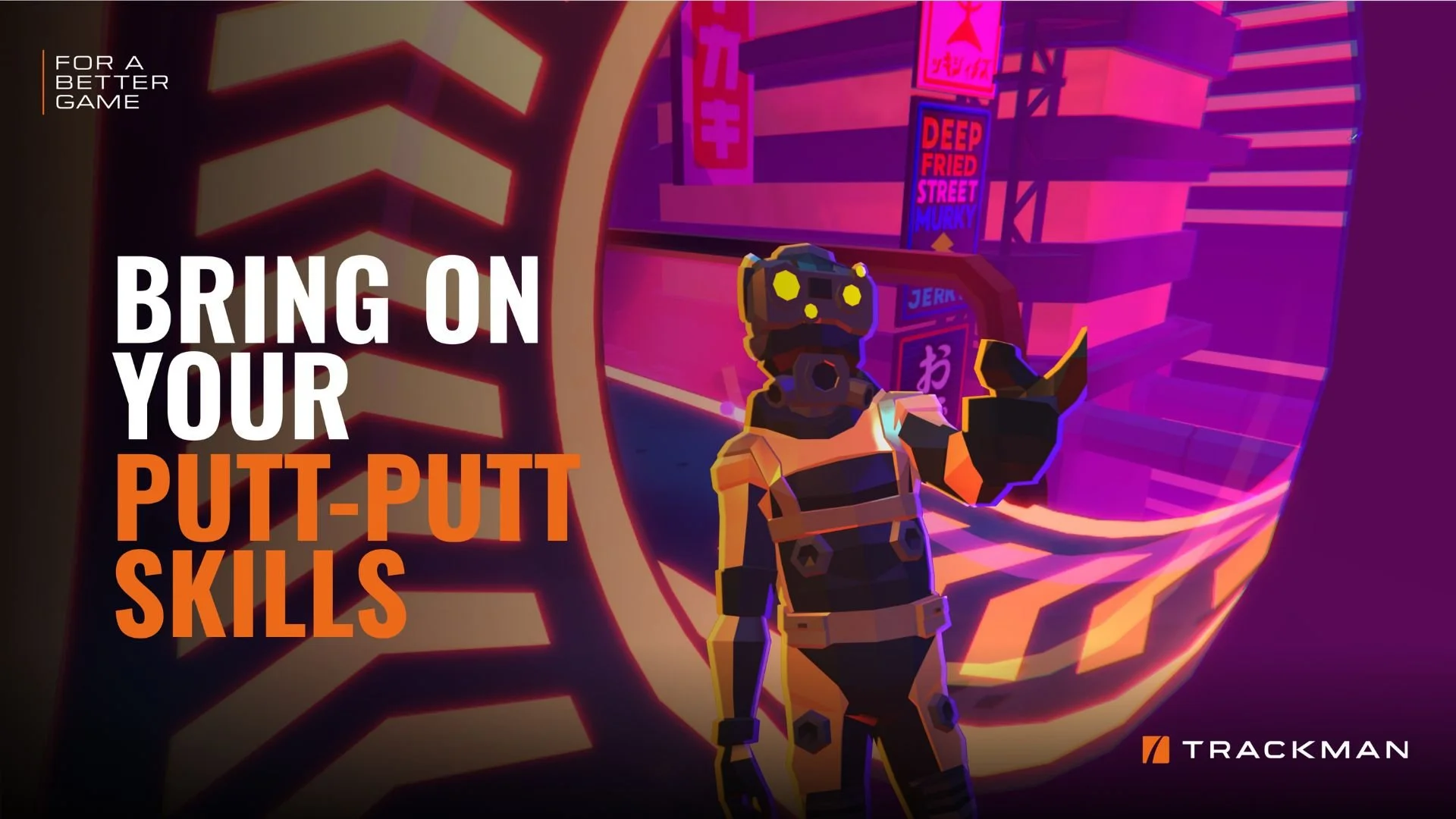
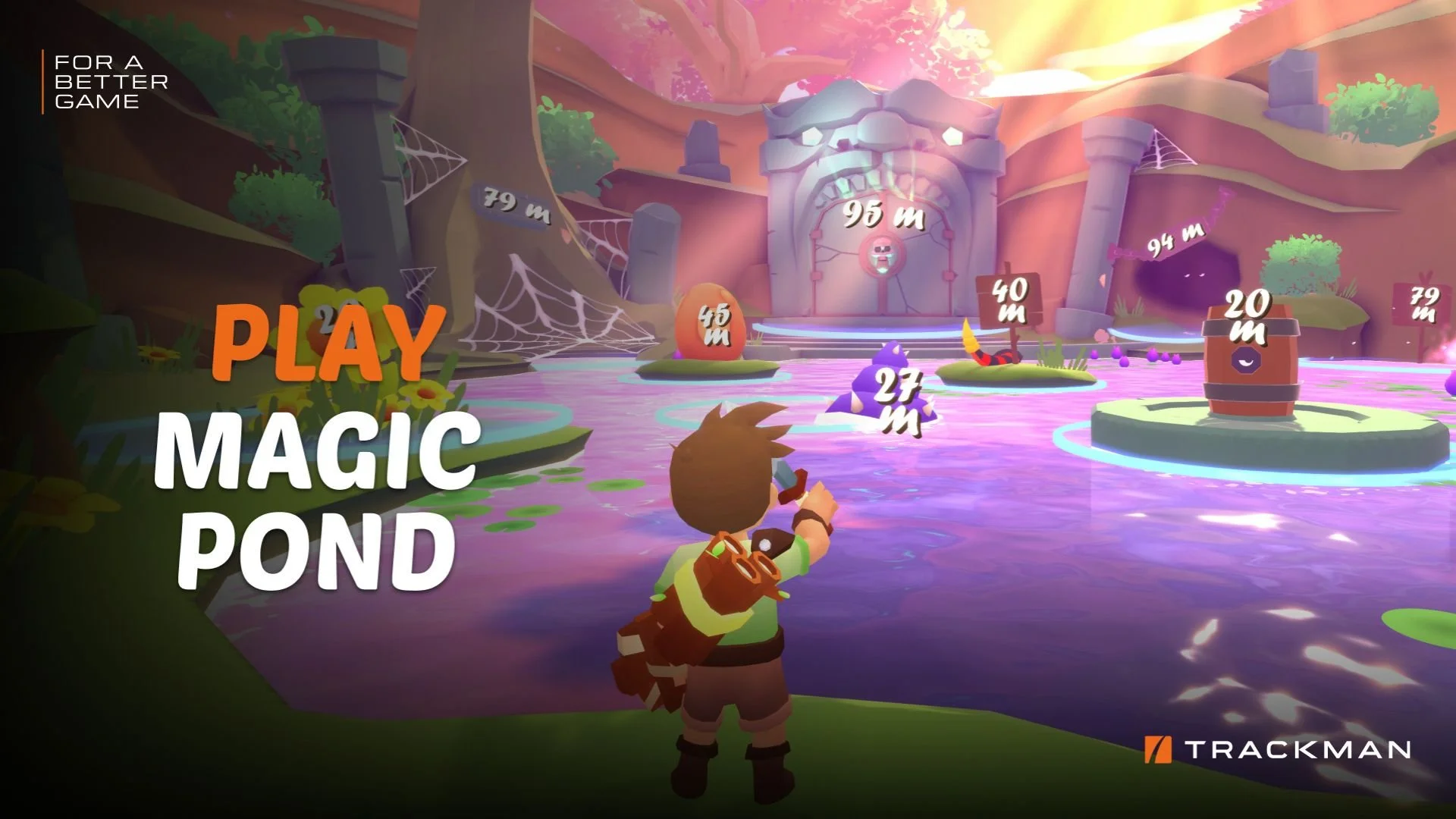
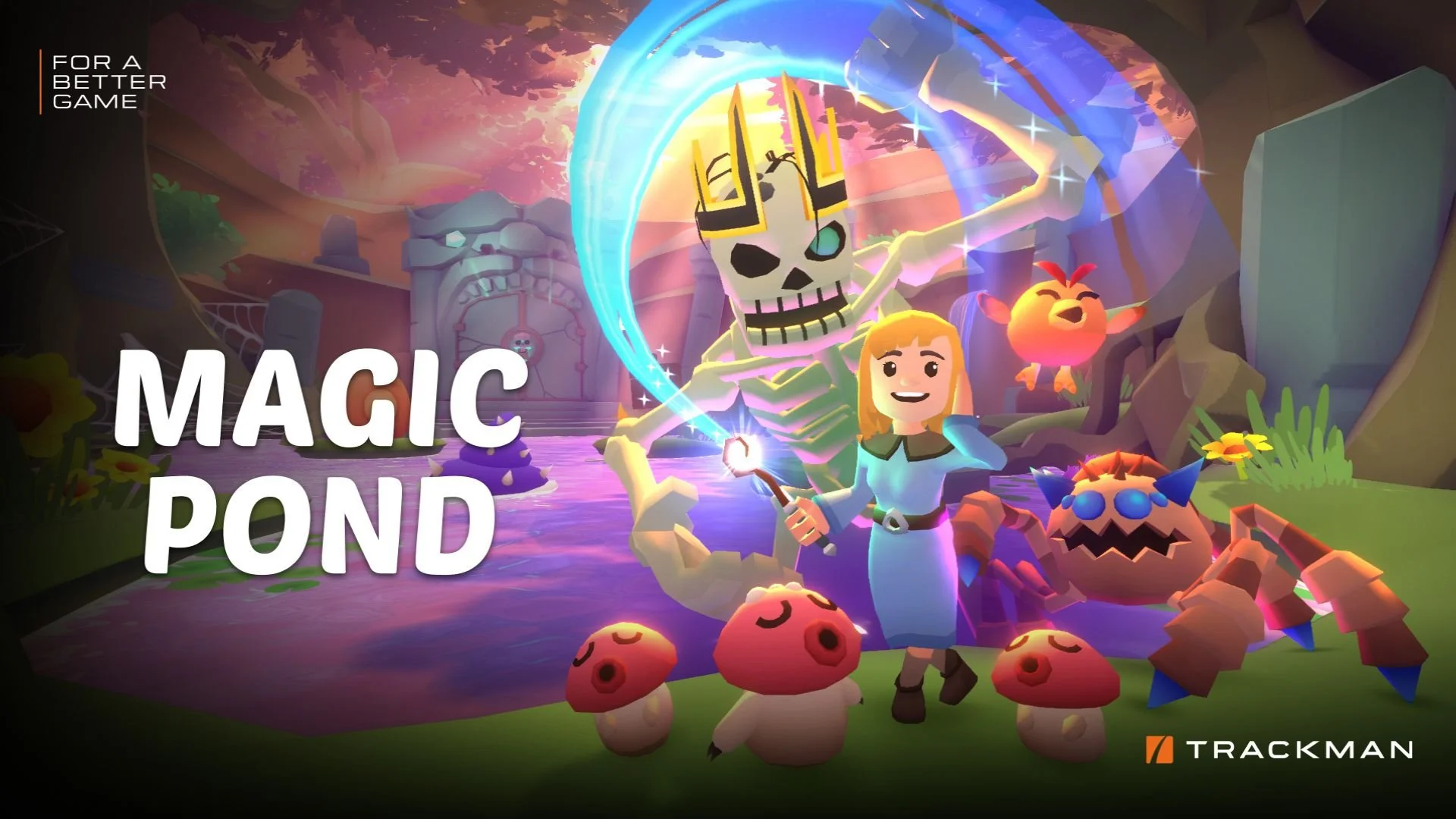
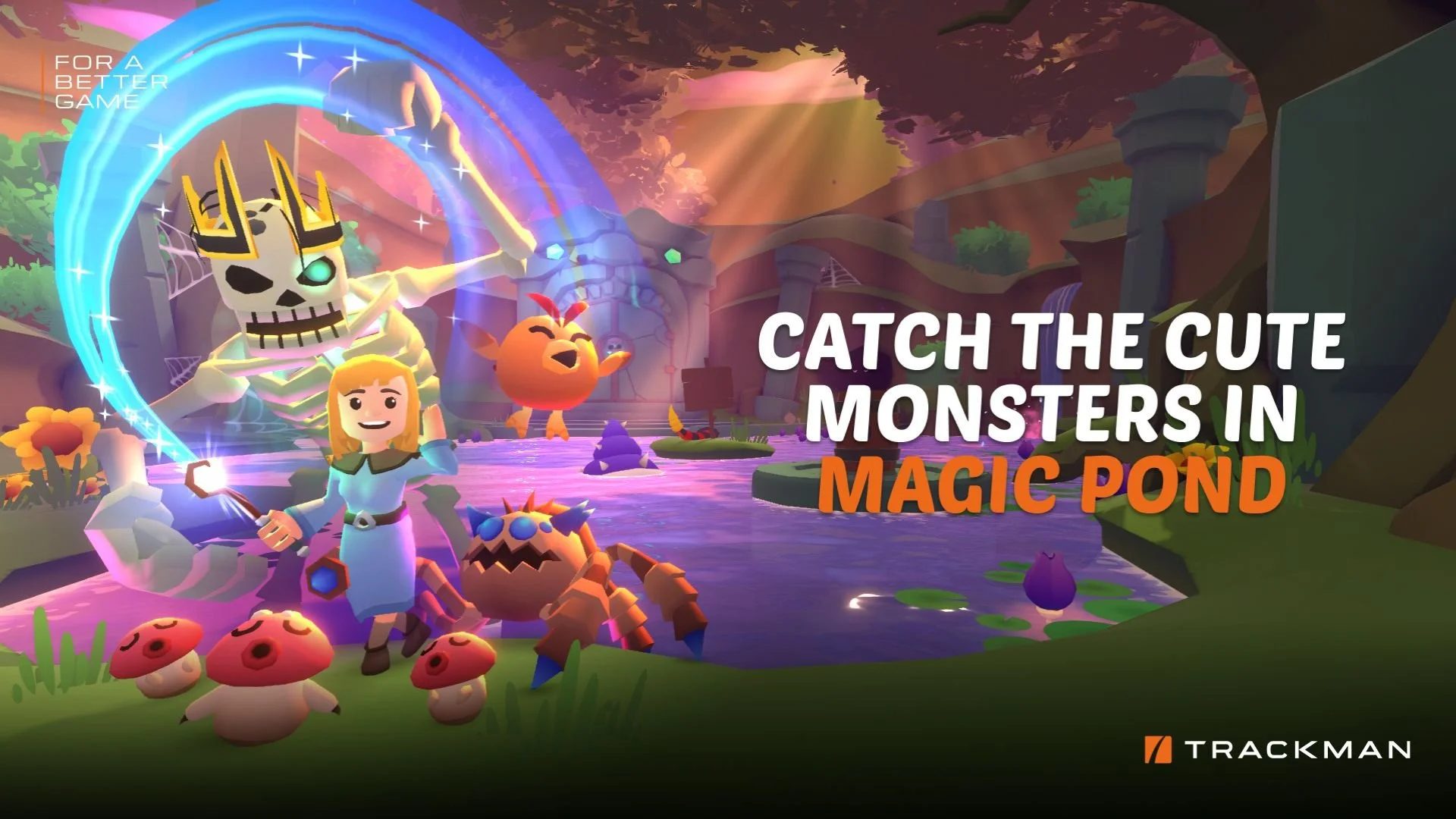
TrackMan's interactive games turn practice into play.



FAQs
-
Yes! To ensure you get the time and bay you want, all sessions must be reserved in advance to secure your spot.
-
Yes! You’re welcome to bring snacks and non-alcoholic beverages to enjoy during your session. We just ask that you clean up your area before you head out.
-
Keep it comfy! Athletic clothing is ideal, and non-marking shoes are suggested if you want the best play experience.
-
Yes! But we’ve got the balls covered. Those can be found in your bay once you arrive.